Assistive Technologies Spark Positive Change
Ever wonder how one small tool can change a life? Assistive technologies are exactly that, they turn everyday actions, like browsing a website or typing a text, into smoother experiences for everyone.
Think of these tools as friendly helpers. Screen readers and adaptive keyboards, for example, break down barriers so people can connect with their surroundings more easily. It’s a bit like giving someone a secret key to unlock the world.
Now, imagine how these innovations make a real impact in school, work, and daily life. They open up chances for learning, employment, and true independence, making the world a bit more reachable for those who need it most.
Assistive Technologies: Definition and Core Categories

Assistive technology is all about tools that help people with disabilities manage daily tasks, like learning or shopping online. These can be physical gadgets or digital apps that make life easier. For instance, a screen reader turns text into spoken words, letting visually impaired users enjoy websites. You might also find adaptive keyboards with raised keys or voice recognition software designed to help with motor or learning challenges. It’s a neat example of how tech can open up opportunities in education, work, and everyday life.
Assistive technology comes in several key areas, each with its own set of tools to tackle specific challenges. They fall into five main groups:
- Visual Support: Think of screen readers, OCR software (which changes images of text into readable words), text-to-speech engines, electronic magnifiers, and braille displays.
- Auditory Support: This group includes hearing aids, voice amplification systems, speech-to-text converters, and apps that help with listening skills.
- Mobility Assistance: Devices like powered wheelchairs, walkers, exoskeletons, and smart canes help people move more easily.
- Communication Enhancement: Tools like AAC devices, speech-generation apps, and text-to-speech programs make communication smoother.
- Cognitive Aids: Digital organizers, timers, adaptive learning software, and behavior-tracking apps help users stay organized and focused.
Digital accessibility goes beyond simply having these tools available. It also means that developers need to build websites and apps with clear headings, alternative text, and easy keyboard navigation. This way, assistive technologies can work effortlessly together with digital content, making it easier for everyone to connect and engage independently.
Assistive Technologies in Action: Disability-Specific Use Cases
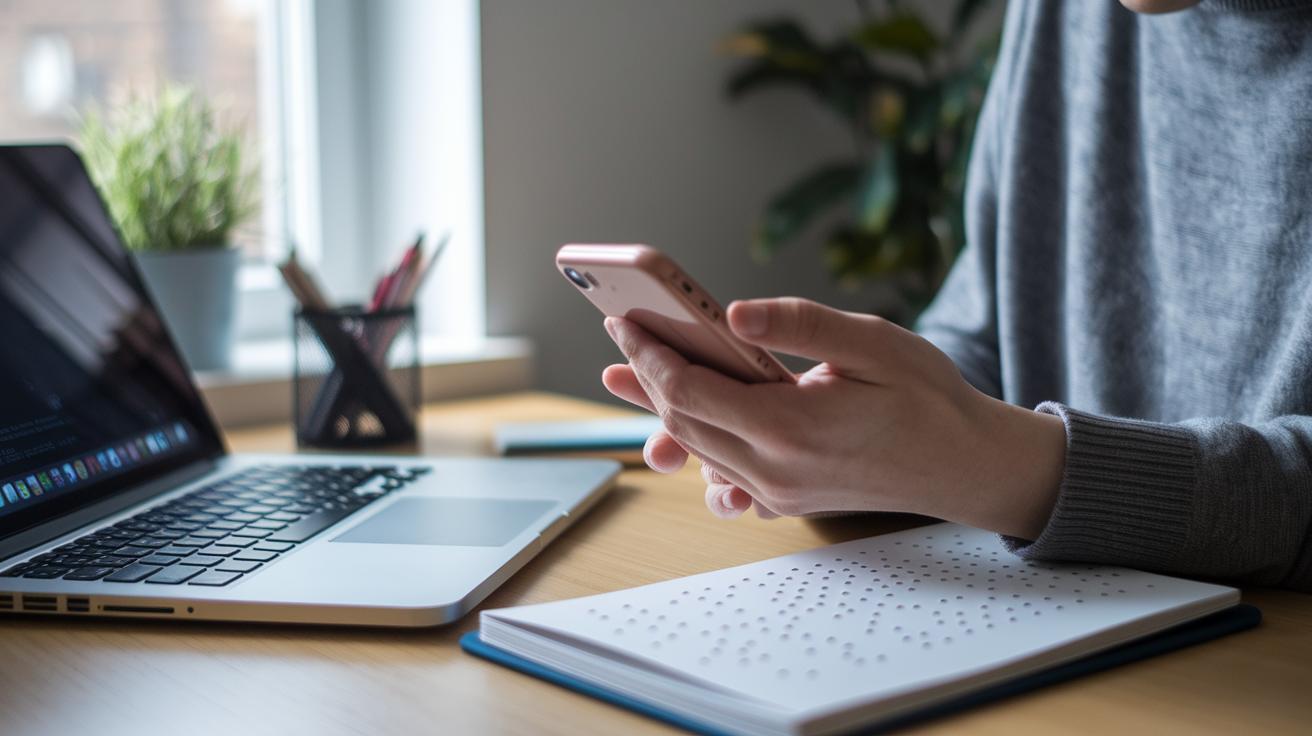
Assistive tech offers custom solutions that let people connect with the world in fresh, new ways. These innovations help individuals overcome unique challenges, making daily life and learning more accessible.
Visual Support Technologies
Screen readers turn text into spoken words, so visually impaired users can enjoy digital content. OCR software takes printed text and makes it digital, transforming documents and books into interactive experiences. Electronic magnifiers enlarge details, and braille displays convert digital text into tactile dot patterns. One user shared, "Using my braille display feels like reading a favorite book all over again." Together, these tools bring clarity and independence, making information both reachable and understood.
Auditory Support Devices
Hearing aids, speech-to-text converters, and real-time captioning apps change how people with hearing loss experience conversations and media. They turn spoken words into accessible text, making every chat and broadcast clear and engaging.
Mobility Assistive Equipment
Powered wheelchairs, walkers, exoskeletons, and alternative input devices open up new freedoms for those with mobility challenges. These devices help users navigate both digital spaces and everyday physical environments with greater confidence and safety.
Communication Enhancement Tools
Augmentative communication devices, text-to-speech tools, and braille notetakers break down language barriers. They empower users to share ideas and join conversations smoothly in both personal chats and professional meetings.
Cognitive Assistance Solutions
Digital organizers, timers, and specialized apps for ADHD, dyslexia, and dyscalculia offer essential support for managing daily tasks. Tools like behavior-tracking apps and digital highlighters help users stay focused and organized, making academic and work challenges easier to tackle.
Assistive Technologies: Benefits, Impact, and Case Studies

Assistive tech is really changing the game in schools and everyday life. Research shows these tools help boost school performance, spark classroom participation, and let people do more on their own. During the 2017–2018 school year, nearly 7 million U.S. students received special education services under IDEA, showing how important these tools are for a well-rounded education. One nonprofit even offers free, expert-checked resources to about 70 million people with different learning needs. A parent shared, "Using the N.O.T.E. tool has transformed how we track behavior," which shows real improvement in daily routines.
| Program/Tool | Target Group | Outcome/Metric |
|---|---|---|
| N.O.T.E. tool | Parents of ADHD children | Behavior tracking improved by 30% |
| Through My Eyes | Educators | Empathy scores up by 25% |
| Digital reading assistant | Students with dyslexia | Reading speed increased by 40% |
| OCR-based app | Users with visual impairments | 95% error-free document navigation |
Using assistive technology over time leads to lasting academic and social gains. These steady improvements show that the investments in such tools are paying off and point to even more advances in support for disabilities as users continue to enjoy smart, accessible learning environments.
Assistive Technologies Implementation: Selection and Best Practices

Assistive technology services are key in helping people find, get, and use the right tools to excel. These services guide families, teachers, and organizations by first figuring out what each user really needs. Many folks assume assistive tools are a shortcut or make users overly dependent, but real hands-on trials and personal support prove they actually boost confidence and help users shine at school and work.
By including assistive tech in plans like 504 plans and IEPs, everyone gets steady support. At the same time, developers and educators learn from regular feedback and updates to make these tools even better.
- Get a specialist to assess needs.
- Compare different devices and software options.
- Let users try the tools with trial runs.
- Offer clear, structured training for both users and teachers.
- Keep track of usage and adjust the tools as needed.
Debunking myths around assistive tech is a big step forward. With proper training for everyone involved, trust builds naturally. This kind of smart, tailored approach to technology really sparks positive change.
Assistive Technologies Trends and Future Directions
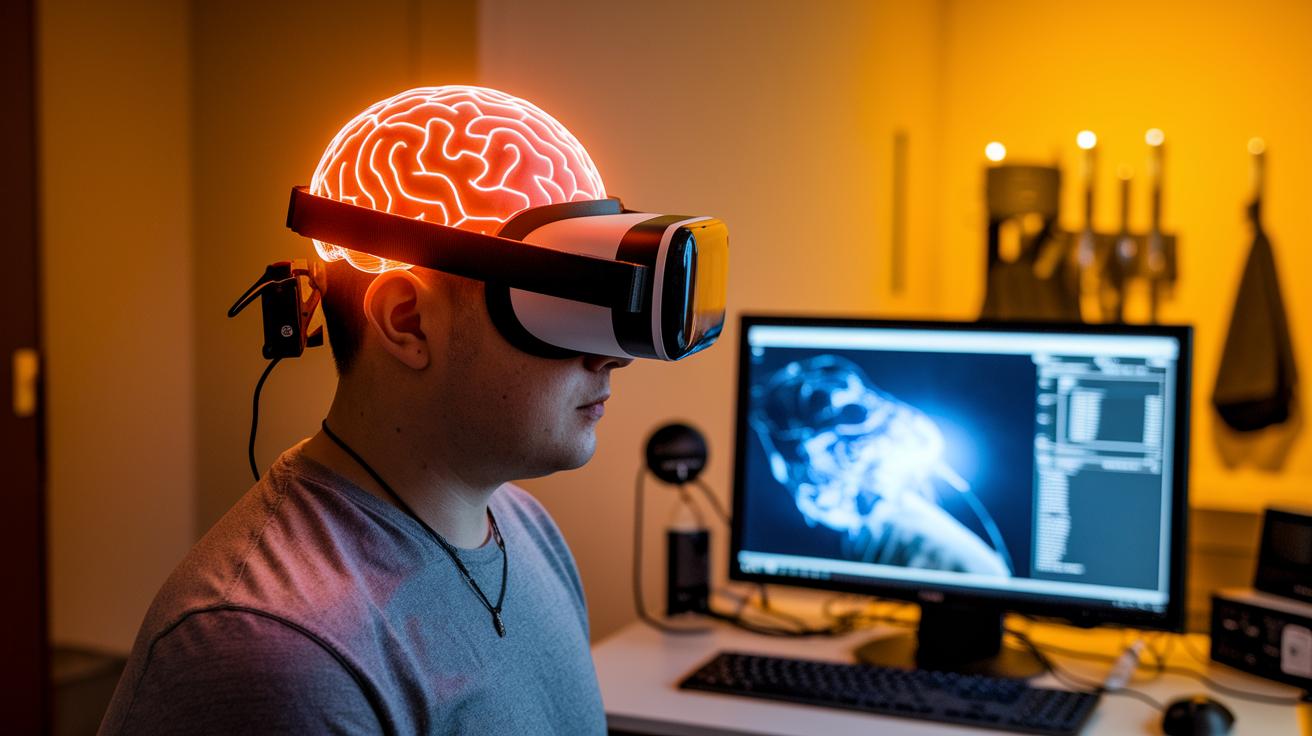
Artificial intelligence and brain-computer interfaces are sparking some really cool ideas in assistive tech. AI tools now adjust language on the fly, letting people speak naturally without the usual breakdowns. And brain-computer interfaces? They let folks control digital devices with nothing more than a thought. Imagine the moment when a single idea turns on a smart device, it feels like a real breakthrough in breaking down old barriers.
Virtual reality is also stepping in with rehab programs that combine fun and recovery. Think of VR not just for gaming but also for empathy training and tailored exercise. Cloud systems make it easy to reach essential software anytime, anywhere, keeping everyday tasks on track. And next-gen mobility options, like smart wheelchairs and exoskeletons, are getting smarter. They seem to intuitively know what you need, making both physical movement and digital interactions a smoother ride.
These innovations aren’t just limited to one area. Education, healthcare, sports, and finance are all starting to use them. As developers and users team up, we’re set to see even more gadgets that mix everyday usefulness with futuristic tech. By 2025, expect smart rehab aids, intuitive digital tools, and advanced mobility devices to do more than just change how we work, they could help create a more inclusive society.
Final Words
In the action of exploring assistive technologies, we saw how these tools break down barriers with equipment and software designed to support everyday tasks. The post outlined how adaptive aids help with visual, auditory, mobility, communication, and cognitive challenges.
We also looked at real-world applications and practical steps for implementation. The discussion provides clear insights for staying informed on tech trends while embracing emerging assistive technologies. Keep pushing forward and feel confident about the bright future ahead for tech and disability empowerment.
FAQ
What is assistive technology?
What are examples of assistive technology?
What are the three types of assistive technology?
What is classified as assistive technology?
What are examples of assistive technology software?
What are assistive technology services?
What are assistive technology websites?
Why are assistive devices important?
What does assistive technology drawing refer to?

Top 10 Technology Trends: Inspiring Future Tech

How to Help Kids Stay Sharp Over the Summer

Uwb Technology Sparks Wireless Excellence
About The Author
